Home / Download
Download Silicon Workers
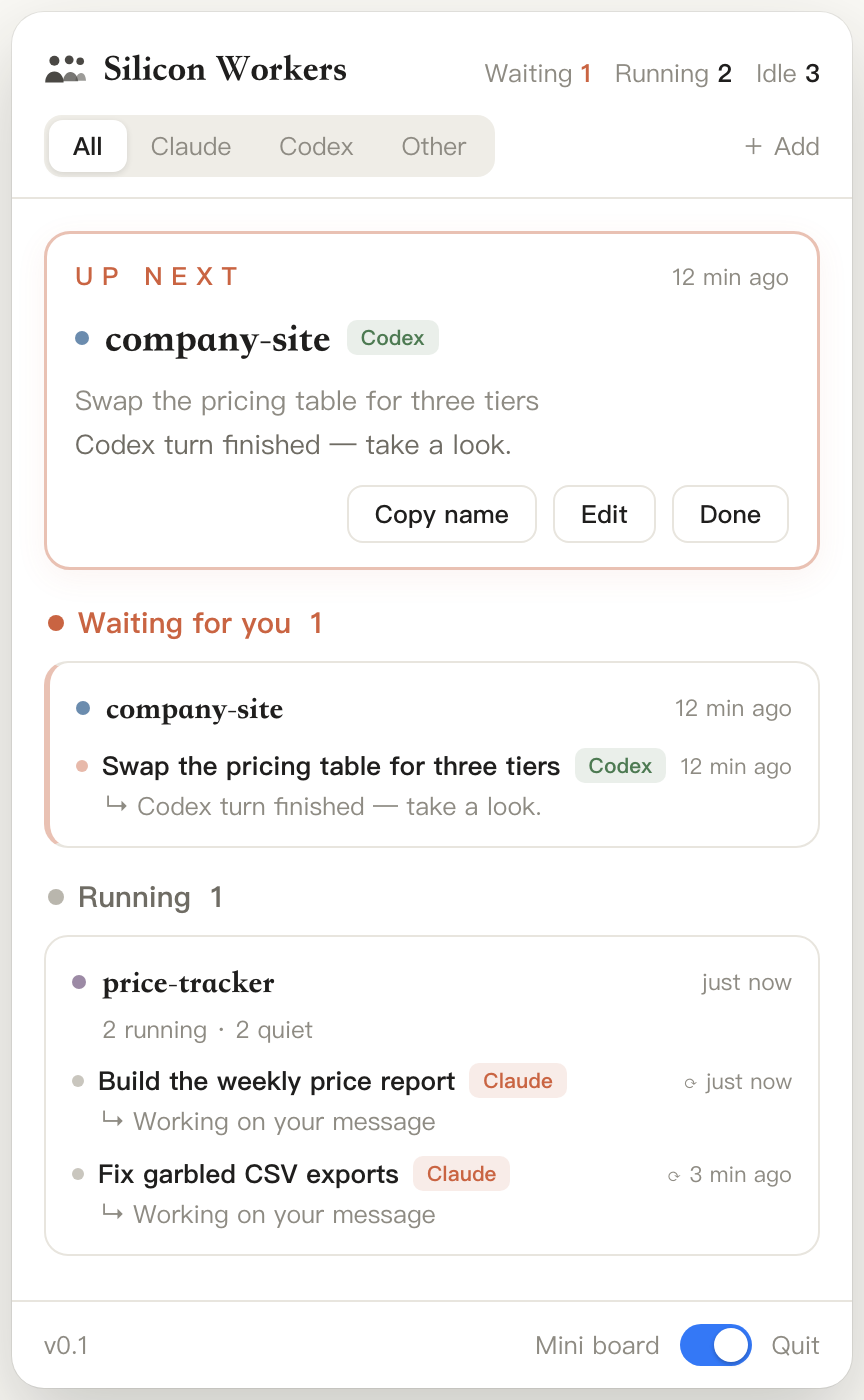
A free macOS menu bar app that monitors your Claude Code and Codex sessions — approvals and finished runs surface in seconds. No account, no server, your data stays on your Mac.
What it looks like
Install in four steps
- Unzip the download and drag Silicon Workers.app into your Applications folder.
- Open the app. Three tiny workers appear in your menu bar — there's no Dock icon by design.
- Click the menu bar icon, then click Connect at the top of the panel. This installs the Claude Code and Codex event capture (a script that only writes a local log — it never changes agent behavior).
- Start a new Claude Code session. Sessions opened before connecting won't report status.
macOS says the app can't be verified? Right-click (or Control-click) the app and choose Open, then confirm. You only need to do this once.
What gets installed where
- The app itself lives in
/Applications. - Hook scripts are installed to
~/.butler/hooks/. - Session events are appended to
~/.butler/events.jsonl; task state lives in~/.butler/tasks.json. Everything stays on your Mac. - Connecting appends entries to
~/.claude/settings.json(a backup is created first) and, for Codex, updatesnotifyin~/.codex/config.toml(also backed up).
Details in the docs: installation, how it works, how to uninstall cleanly.
Requirements
SystemmacOS 14 (Sonoma) or later, Apple Silicon or Intel
AgentsClaude Code (CLI or desktop) and/or Codex on the same Mac
PriceFree during beta; the core stays free
PrivacyLocal-first — no account, no telemetry, no server